Google has been busy. Between Cloud Next 2026 (April 22) and a steady stream of product updates the week before, the company pushed out enough changes to fill a small changelog. Some of it is genuinely useful for schools and universities. Some of it is infrastructure news that sounds important but stays mostly invisible to end users. And a couple of things are worth bookmarking for when your faculty start asking questions.
Let me break it down.
Workspace Intelligence: The Layer Underneath Everything
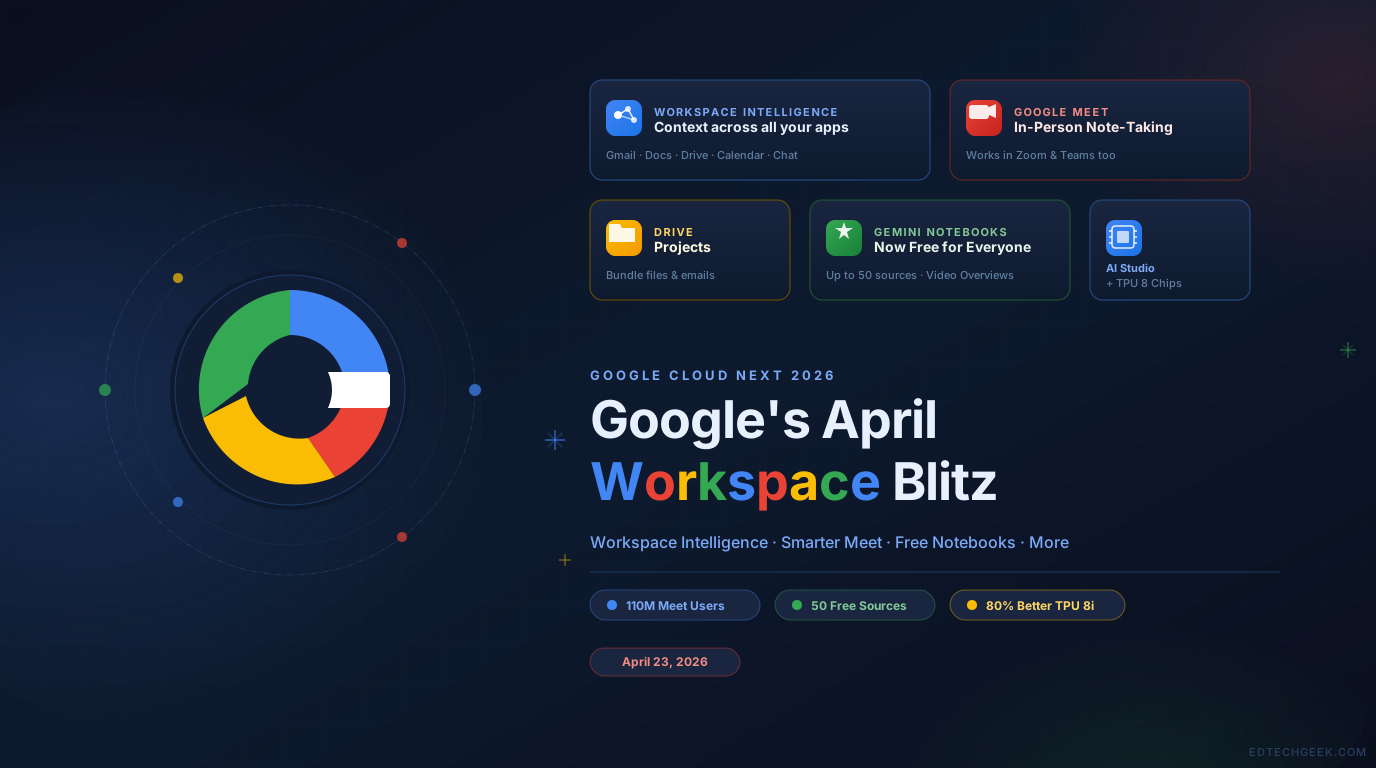
The headline from Cloud Next was something Google is calling Workspace Intelligence — a system-level context engine that ties together your Gmail, Docs, Drive, Calendar, and Chat activity into a shared intelligence layer. The pitch is that Gemini now “understands complex semantic relationships” across all your apps, knows your work style, and can act on your behalf without you having to explain context from scratch every time.
In practice, this powers a few specific features. The most notable: “Ask Gemini” in Google Chat functions as a kind of command center for your work. You describe a goal — draft a recap of last week’s project, find the contract from Q3, schedule time with the team — and Gemini goes and does it. It can also pull in third-party tools like Asana, Jira, and Salesforce.
In Docs, Gemini can now generate infographics from your own business data, handle batches of image edits for visual consistency, and respond to comments by actually editing the document. In Slides, it’ll generate full decks that respect your existing templates and brand styles. In Sheets, you can build and modify spreadsheets conversationally.
By leveraging the deep semantic context of your digital workflows that span across meeting notes, emails, files, and more, it creates an intelligence layer grounded in your unique context.
For higher ed specifically, this is interesting territory. Most institutions have years of institutional knowledge sitting in Drive folders and email threads that nobody can easily surface. A context-aware layer that bridges those silos has real potential — but it also raises real questions about what data is being indexed, who controls it, and how it interacts with FERPA obligations. Worth flagging for your compliance team before you roll this out broadly.
Google Meet: “Take Notes for Me” Goes In-Person
This one surprised me a bit. Google Meet’s AI note-taking feature has been around for a while, but it was limited to virtual meetings. Now it works for in-person meetings too — you just open Meet on your phone or browser, tap “Take Notes for me,” and it starts recording, transcribing, and generating a summary with action items in Google Docs.
What’s more, it now works even when the meeting is happening in Zoom or Teams. So if your institution is still on Teams (as many are), you can use Meet just for the note-taking layer.
Over 110 million meeting attendees have used the feature in the past month — 8.5x year-over-year growth. That’s not a niche experiment anymore. If you haven’t piloted this with your administrative staff or faculty, it’s probably time to take a look.
Google Drive Gets “Projects”
Drive is getting a new organizational layer called Projects — essentially a way to bundle related files and emails together in one place, visible from the Drive home sidebar. The idea is to give both you and Gemini a scoped context so conversations stay relevant to a specific initiative rather than searching your entire Drive.
Think of it as a lightweight version of what NotebookLM’s notebooks do, but baked directly into Drive. For anyone managing grant projects, course redesigns, or accreditation work, this kind of structured grouping could save a lot of time.
Gemini Notebooks Now Free for Everyone
Speaking of notebooks: the Gemini app (gemini.google.com) now makes notebooks available to free users, not just paid subscribers. These are the same notebooks that appear in NotebookLM, so you get Video Overviews, Infographics, and Studio outputs. Free users get up to 50 sources per notebook; paid tiers go up to 600.
Notebooks show up in the side panel and let you organize related chats, files, and sources in one place. Gemini will “consider all chats in the notebook when responding” — essentially giving you persistent context without having to re-explain everything each session.
This is a meaningful unlock for educators who want to explore AI-assisted research workflows without a subscription. If you’ve been waiting to introduce NotebookLM-style tools to faculty but didn’t want to deal with subscription conversations, this opens the door.
AI Studio: Better Limits for Paid Subscribers
Less edu-facing, but relevant if you’re building anything on top of Gemini: Google AI Studio now gives AI Pro ($19.99/month) and Ultra ($249.99/month) subscribers higher usage limits and access to expanded models, including Nano Banana Pro and Gemini Pro. It also unlocks tools like Gemini Code Assist, Gemini CLI, and a few others.
If you have developers or instructional designers on staff who are building Gemini-powered tools, this is a cleaner path than managing API billing separately.
Under the Hood: TPU 8 Chips
Google also unveiled the eighth generation of its Tensor Processing Units (TPUs), split into two purpose-built variants: TPU 8t for training and TPU 8i for inference. The short version: training frontier models gets faster, and running those models at scale gets significantly cheaper — Google claims TPU 8i delivers 80% better performance-per-dollar than the previous generation.
This isn’t something you configure in your admin console. But it matters: cheaper inference means Google can afford to keep more features available at lower price tiers, which is ultimately what makes this technology accessible to institutions with tight budgets.
The Bottom Line
This is a lot of movement in a short window, but a few things rise to the top for edtech practitioners. The expansion of Take Notes for Me to in-person and cross-platform meetings is immediately practical — pilot it with faculty who run a lot of meetings. Free Gemini Notebooks lowers the barrier for introducing structured AI workflows to your campus without a budget conversation. And Workspace Intelligence, while still emerging, is the thing to watch for how Google intends to make Gemini genuinely useful inside institutional environments rather than just as a chat interface. Keep an eye on your data governance policies as these features roll out.